SMS Compliance
Trophy Cast SMS consent and program details
This public page documents the Trophy Cast SMS Notifications program and mirrors the two opt-in methods used for transactional club-management messages: the in-app Trust Center toggle, and an officer-initiated welcome blast the member joins by replying YES. It is intended to make the consent flow, disclosures, and sample content easy to verify.
Program Snapshot
Trophy Cast SMS Notifications
Privacy and consent statement
Text messaging originator opt-in data and consent will not be shared with any third parties or affiliates for marketing or promotional purposes. Trophy Cast uses service providers only to deliver the transactional messages a member has explicitly asked to receive.
Consent Rules
- SMS consent is optional and not required to create an account or join a tournament.
- The toggle is off by default until the member deliberately enables it.
- A valid phone number must be on the member profile before SMS can be enabled.
- Members can opt out at any time with STOP or by disabling the setting in the app.
- Members who previously replied STOP are permanently excluded from officer welcome blasts.
Method 1 — Current In-App Flow
Trust Center SMS opt-in path
- 1A member signs in to Trophy Cast and opens Settings.
- 2The member opens Trust Center and sees SMS Notifications turned off by default.
- 3The member must have a valid mobile phone number on file before the toggle can be enabled.
- 4The member deliberately turns the SMS Notifications toggle on to opt in to transactional messages.
- 5The disclosure shown at the point of opt-in reads: "Msg frequency varies. Msg & data rates may apply. Reply HELP for help, STOP to cancel."
- 6Immediately after enabling the toggle, the member receives a confirmation SMS: "Trophy Cast: You're now opted in to club SMS alerts. Msg frequency varies. Msg & data rates may apply. Reply HELP for help, STOP to cancel."
- 7The member can opt out at any time by turning the toggle off or replying STOP to any Trophy Cast SMS.
What the member sees when consenting
The Trust Center screen clearly identifies SMS Notifications, the member chooses to enable the toggle, and the disclosure states: “Msg frequency varies. Msg & data rates may apply. Reply HELP for help, STOP to cancel.” Immediately after enabling, the member receives an opt-in confirmation SMS to their phone.

Screenshot from the live Trophy Cast app. The SMS Notifications toggle is OFF by default, the disclosure text is visible at the point of consent, and SMS opt-in is separate from account creation, tournament registration, or any other agreement.
Method 2 — Officer Welcome Blast
Reply YES opt-in path
Club officers may send a one-time welcome SMS to existing club members who have a phone number on file in Trophy Cast but have not yet opted in. The message invites the member to reply YES to enroll in club alerts.
- 1Eligibility: the member must be an existing member of an active club in Trophy Cast with a phone number on file and no prior STOP reply.
- 2A club officer sends a one-time welcome SMS to those members inviting them to reply YES to enroll in club alerts.
- 3Message sent to member: "[Trophy Cast] [Club Name]: Club alerts are live! Reply YES to get tournament updates & announcements by text. Visit trophycast.app to manage. Msg & data rates may apply. Reply STOP to decline."
- 4Opt-in action: the member replies YES.
- 5Confirmation sent immediately after YES: "Trophy Cast: You're now opted in to club SMS alerts. Msg frequency varies. Msg & data rates may apply. Reply HELP for help, STOP to cancel."
- 6STOP protection: members who previously replied STOP are permanently excluded from welcome blasts.
- 7Idempotency: each phone number can only receive one welcome blast per club per 30 days.
- 8The member can opt out at any time by replying STOP to any Trophy Cast SMS.
What the member sees when consenting
The welcome message names Trophy Cast and the member’s club, states the opt-in action, and carries the disclosure: “Msg & data rates may apply. Reply STOP to decline.” Consent is recorded only when the member replies YES, and the opt-in confirmation SMS is sent immediately after that reply.
Method 1 — Video Walkthrough
SMS toggle — on and off
Screen recording showing a member navigating to Settings → Trust Center and turning the SMS Notifications toggle on and off.
Exact Disclosure Copy
Consent language and message samples
Core disclosure language
Message frequency varies based on club activity. Message and data rates may apply.
For help, reply HELP or email hello@trophycast.app.
To opt out, reply STOP or turn SMS Notifications off inside Settings → Trust Center.
Carriers are not liable for delayed or undelivered messages.
Opt-in confirmation message
Every member who opts in receives this confirmation immediately — at the moment they turn the toggle on, or immediately after they reply YES to an officer welcome blast:
Campaign sample messages
These examples match the wording used for campaign verification.
- Trophy Cast: Norton Lake tournament start time moved to 6AM due to weather. Msg & data rates may apply. Reply HELP for help, STOP to cancel.
- Trophy Cast [URGENT]: Tomorrow's Bartlett Lake tournament is cancelled. Check the app for details. Reply HELP for help, STOP to cancel.
- Trophy Cast: You're now opted in to club SMS alerts. Msg frequency varies. Msg & data rates may apply. Reply HELP for help, STOP to cancel.
- Trophy Cast: Reminder - Denver BassMasters monthly meeting this Wednesday at 7PM. Msg & data rates may apply. Reply HELP for help, STOP to cancel.
- Trophy Cast: Pairings are live for Chatfield Reservoir. Open the app to confirm your boat and partner. Msg & data rates may apply. Reply HELP for help, STOP to cancel.
Live App Context
Additional public proof that Trophy Cast is a live club-management app
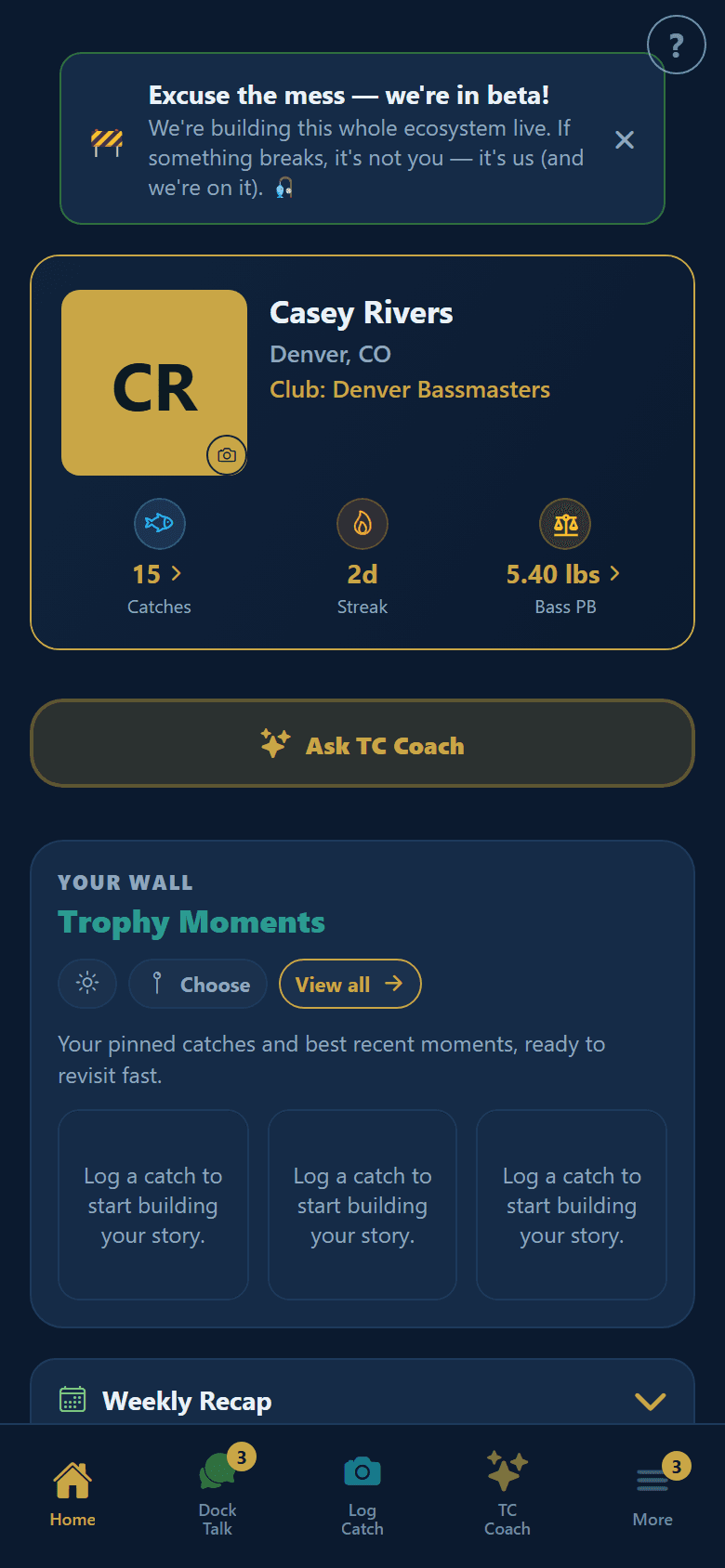
Home dashboard
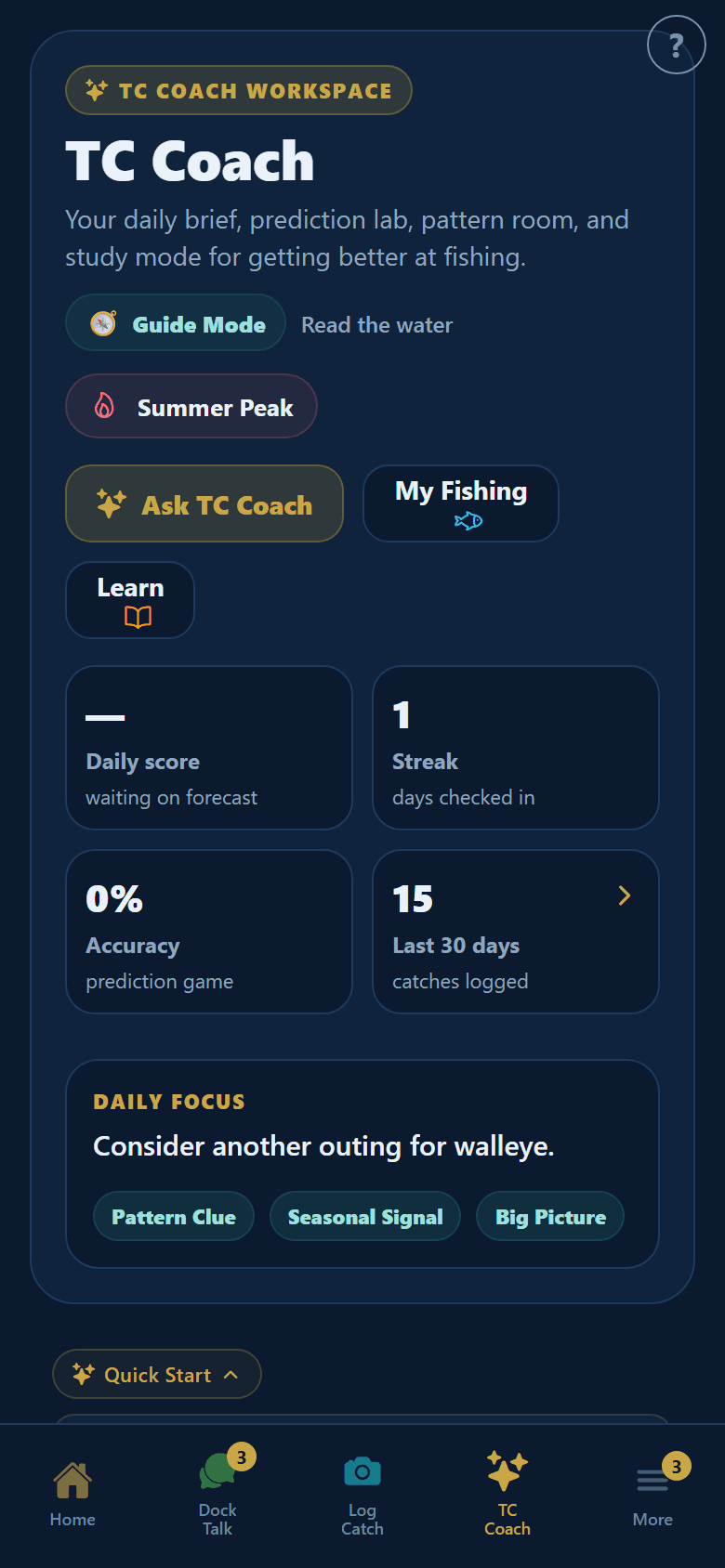
TC Coach
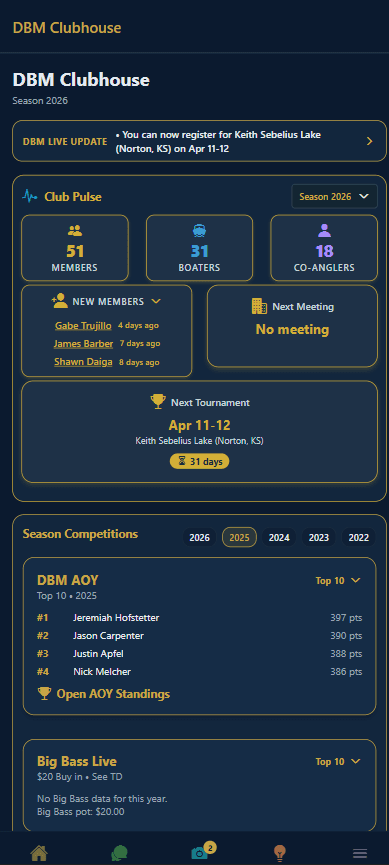
Club operations